
Essential Topic for learning Bottango.
When you select a single part, on the right side of the screen will be a menu to set up and configure the part. Each part has its own set of controls, which will be covered in more detail in sections like Structures, Joints, and Motors. However, most parts let you control the name, color, and visibility of the part.
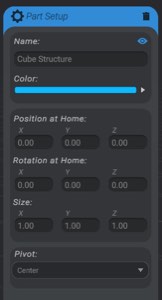
The following controls are on almost every part type:
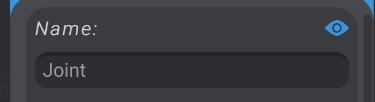
You can edit the name of the part:
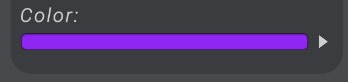
Change its color:
Toggle if it is visible or not:
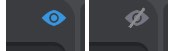
If you make a part not visible, all of its children will not be visible as well.
You can also delete selected parts by pressing the trash button, or hitting delete on your keyboard. All of the children parts of deleted parts will be deleted as well.
