
Advanced Topic Skip if you’re new, explore when you’re ready.
You can create a virtual DYNAMIXEL actuator in Bottango using the same workflow as creating a virtual servo, stepper motor, etc. Click the Create panel:
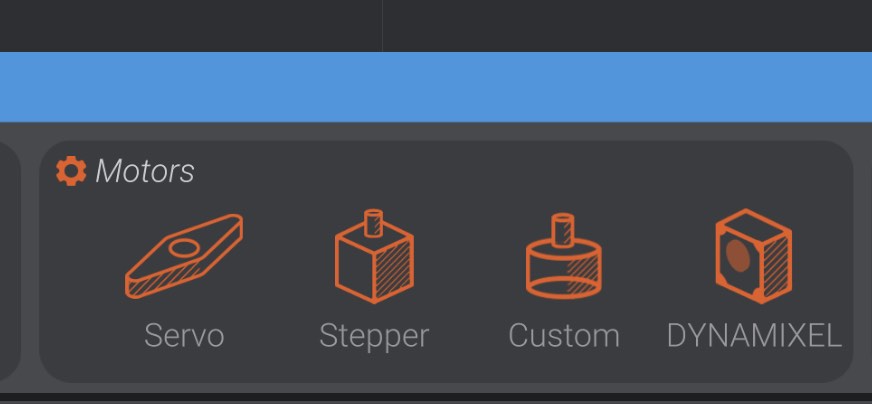
And then select or drag out a new DYNAMIXEL actuator into the project:
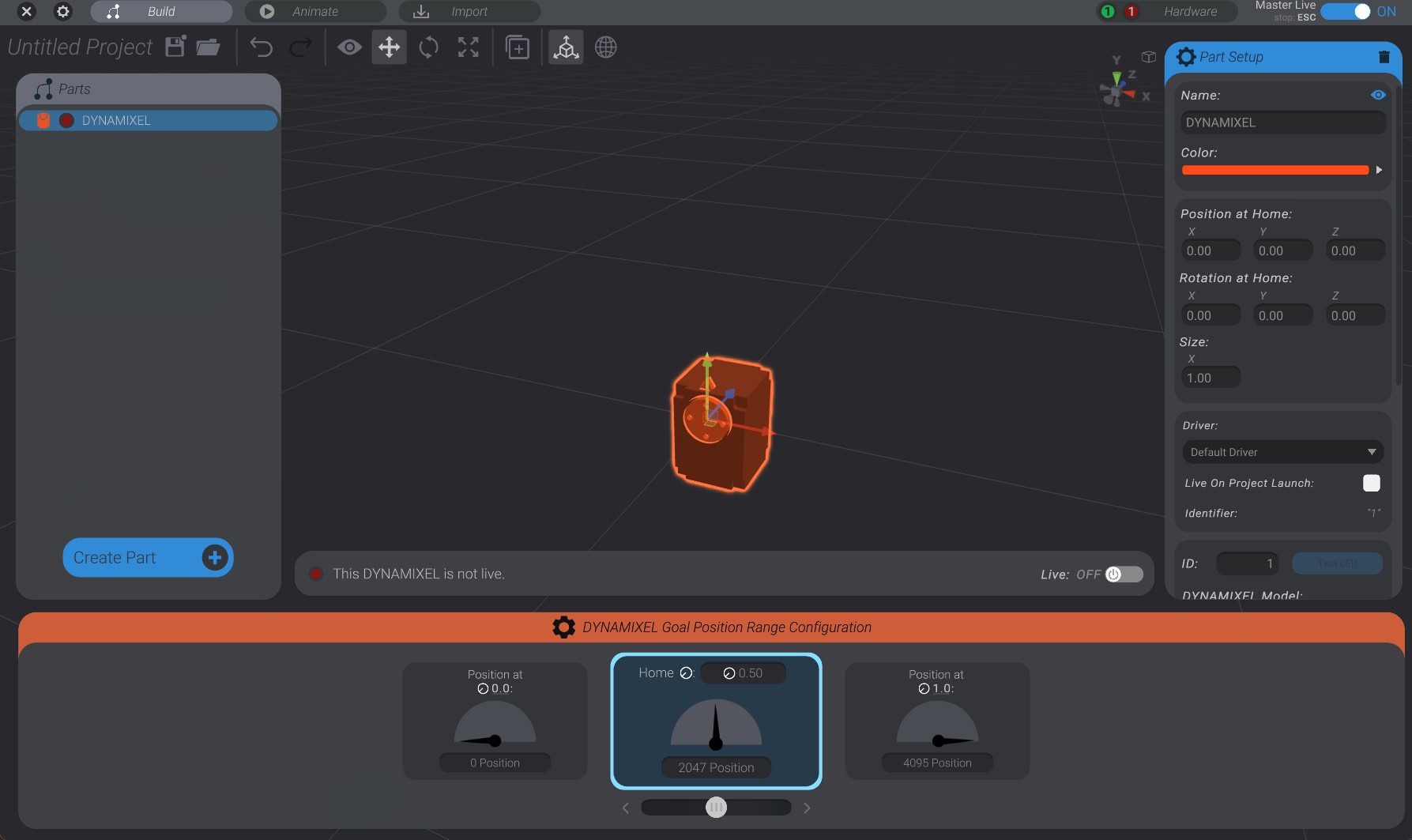
DYNAMIXEL actuators in Bottango behave the same as other motor types. You can animate them directly, link them to a joint, use them in target poses, etc. As well, on the right side of the screen you’ll see the configuration options for the DYNAMIXEL actuator you’ve just created:
We’ll come back to the configuration later. First, let’s set up communication with DYNAMIXEL control hardware.
In this initial version of DYNAMIXEL support in Bottango, Bottango requires U2D2 control hardware to communicate with. Future support for other hardware such as the DYNAMIXEL Arduino shield and other hardware communication devices is planned.
When you create at least one DYNAMIXEL in the project, a DYNAMIXEL U2D2 type driver is created for you as well automatically. In the drivers portion of the hardware tab, you can see that there is now a hardware driver with type “DYNAMIXEL U2D2.”
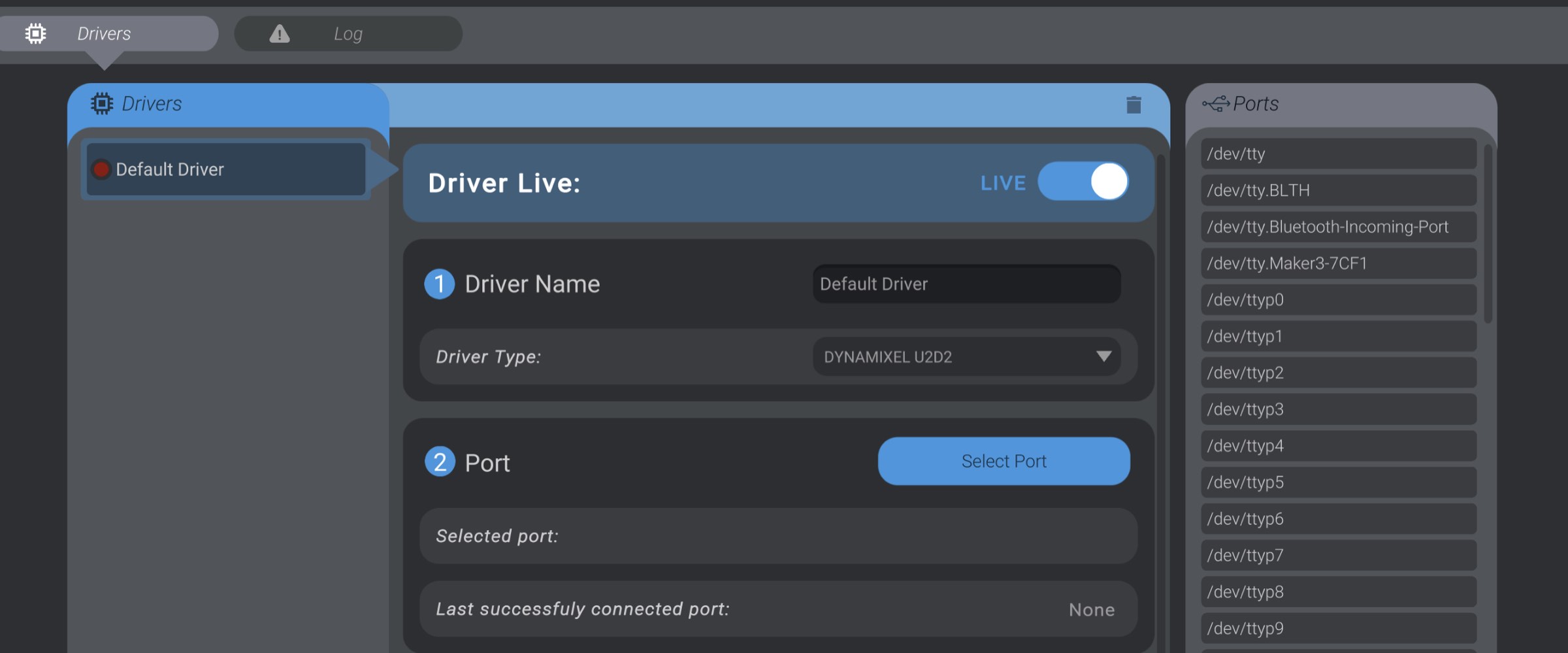
You can also create your own DYNAMIXEL type driver by creating a new driver and selecting “DYNAMIXEL U2D2” from the driver type.
Press the “Select Port” button to select the serial port that your U2D2 is connected to your computer on. If your computer can open that port, it will connect to the U2D2. Be aware that there is no handshake, etc. so even if the port opens, if it is not the correct port or you are connecting to another kind of device on that port, the driver won’t fail until you try and actually communicate with a DYNAMIXEL actuator.
The driver behaves the same as a serial or network driver otherwise. However, only virtual DYNAMIXEL actuators can be assigned to this driver type. You cannot assign a servo to this driver, and you cannot assign a virtual DYNAMIXEL actuator to a standard serial or network driver.