Advanced Topic Skip if you’re new, explore when you’re ready.
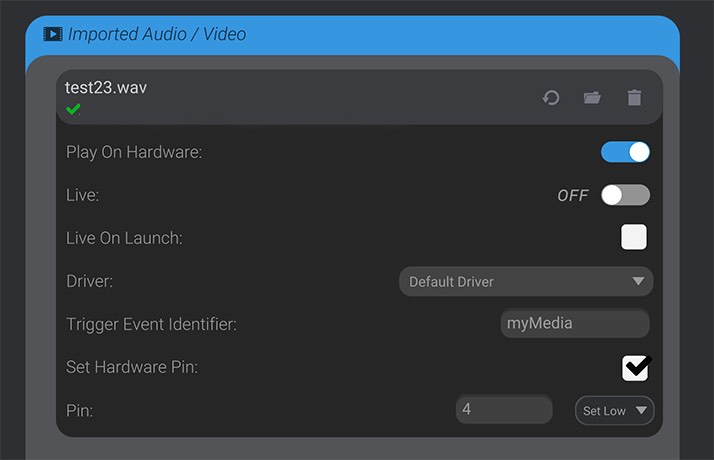
When you import audio/video files into a project, there is an option to “Play On Hardware” for any imported media. Depending on the capabilities of your hardware driver, the hardware driver may treat imported media set to “Play On Hardware” as trigger events. Though you can see Importing Audio and Video for instructions on configuring the options for the imported media and Play On Hardware settings, once properly configured, the imported media track will automatically create and maintain a trigger-type custom event for you. Whenever the media track would play via a keyframe in an animation, a trigger event is called at the same time.