
Beginner Topic used frequently in Bottango workflows.
There are times you may want to control hardware with Bottango that is not one of the built-in effector types. Maybe you want to set the speed of a normal motor using a speed controller by setting a PWM value on a pin, or maybe you want to turn on or off a light at certain points in an animation, etc.
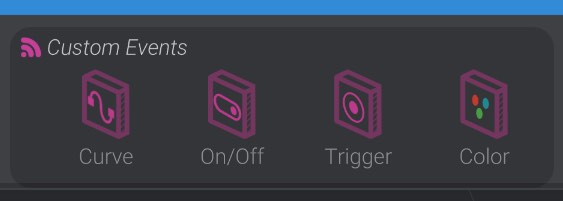
For a hardware effector that isn’t one of the yet supported motors, you may be able to use custom events. Custom events animate along the animation timeline just like motors and joints. However, they are not used as motors, instead animating the data type of the chosen event type. As an example, a “Curved Custom Event” allows you to animate a value between  0.0 and 1.0 along the animation timeline.
Inherent to using a custom event, you may need to write some of your own code to handle what to do when the custom events fire or change their data. You can read the documentation of where and how custom events are fired, and how to add your own firmware logic to custom events.
If you want to simply set the state of a pin on your microcontroller based on the state of the custom event, you don’t need to add any custom code. The different event types change how they drive the microcontroller pin “code-free” depending on their underlying data type.