
Essential Topic for learning Bottango.
Maintaining the parent-child relationships of your structure is essential to creating usable structures. Any structure can be a parent of other structures. When a parent structure moves or rotates, all of its children move and rotate with it.
In this section, we’ll make BaseExtension a child of BaseStructure. That means that when BaseStructure (the parent) moves or rotates, BaseExtension (the child) will move and rotate with it.
Using the Parts menu, select and drag and drop “BaseExtension” onto “BaseStructure” to parent it to “BaseStructure.”
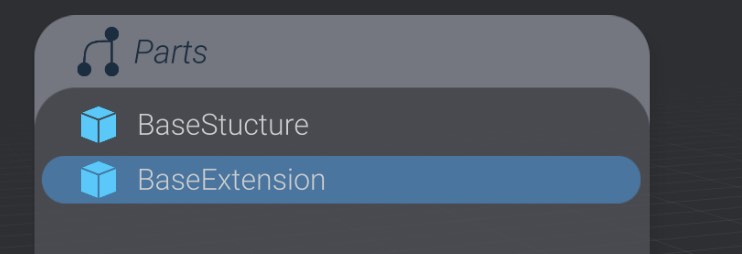
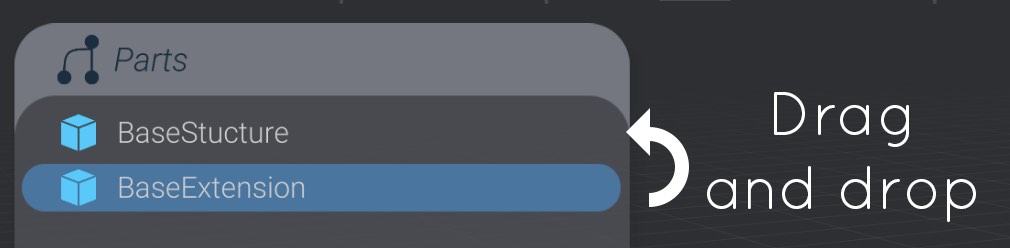
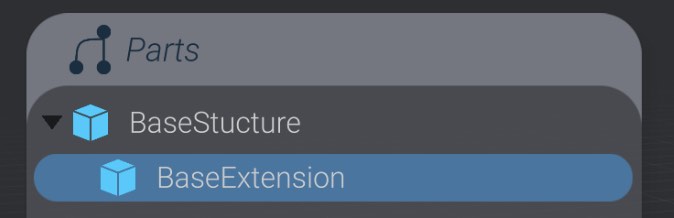
Now, if BaseStructure moves or rotates, BaseExtension will move and rotate with it.
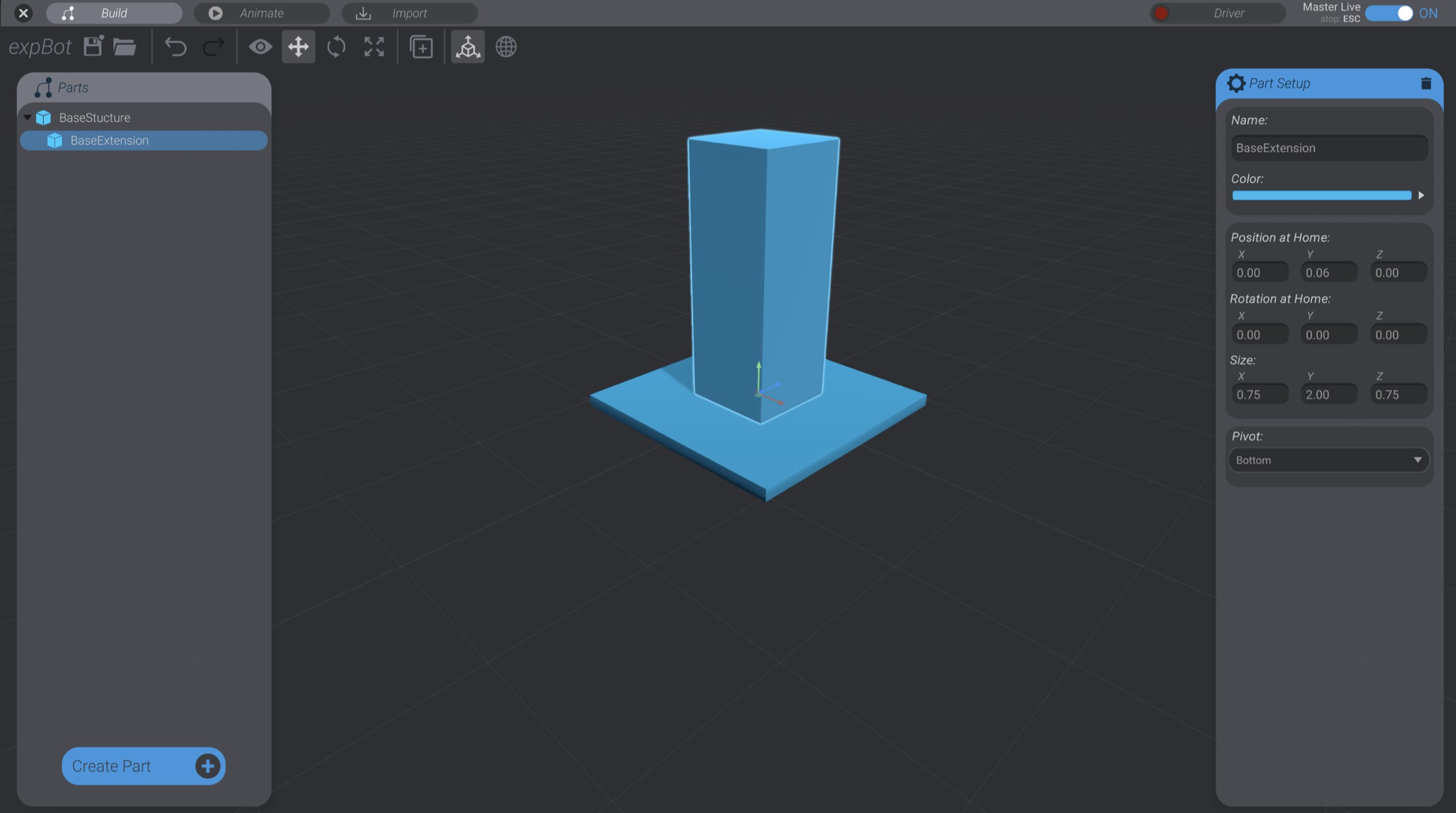
Sometimes, you may want to move or rotate a joint, but keep the structures, motors, and other joints that are a child of that joint in place. Child Lock allows you to do that.
In the tools panel, if you select any part that has any children, you will see the Child Lock toggle show up:

Click to enable or disable Child Lock. While enabled, any movement or rotation you apply to a part will not affect that part’s children.