Expert Topic for experienced builders.
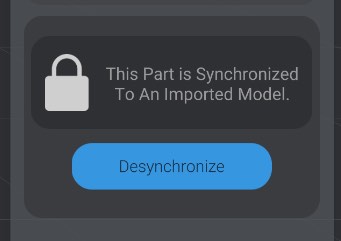
When you create an instance of a model in your project, it is “synchronized” to the imported file. If you were to move, rotate, delete, or add elements in your source model file, the same changes happen in the instance of the model. Synchronized models (the default, starting state) show they are locked when you select any part of them:
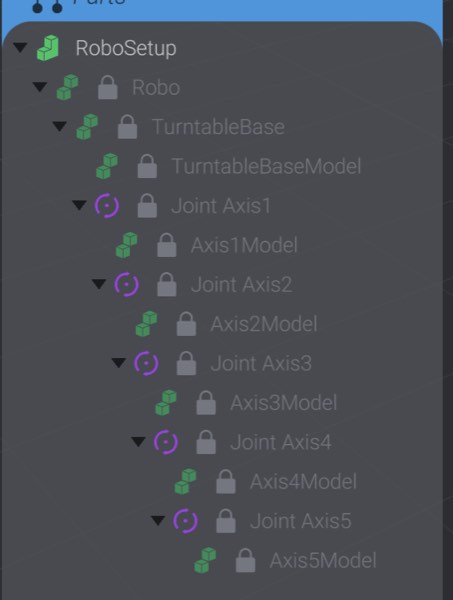
Synchronized parts are shown in the parts list with a lock and a dim state:
However, keeping things in sync comes at a cost. You cannot change the following attributes of a synchronized model in Bottango:
Also, you cannot delete or duplicate any child part of an imported model besides the top-level root.
You can, however, add parts to be the child of a synchronized, imported model (for example, making a piece of a model a parent of a motor).
If you want to make these kinds of changes to a model and keep instances in Bottango synchronized, you should make those changes in the 3D modeling program you used to create the model in the first place. That way, Bottango can always keep the instances of the model in sync with the latest version of the file.
Just be aware that Bottango relies on the name and path of a model to build it out in the program. For example, if you rename “Root/Axis1/MyCube” to “Root/Axis1/MySquare,” Bottango will act as if MyCube was deleted and MySquare was added.
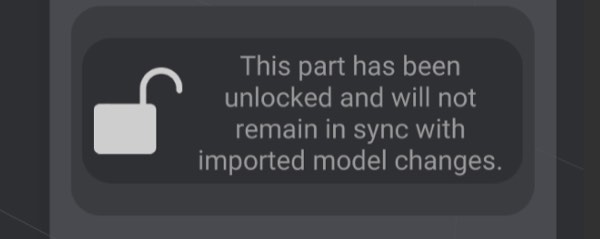
You can choose to desynchronize a model with the file. This means that you are able to edit all the parts in all the ways that were prevented above. However, it also means that this instance will no longer try to stay in sync with the file as it changes. This is a permanent action; once you desynchronize and make changes, you can’t resynchronize.
You can either select a piece of the model and click Desynchronize, or attempt to make a change to a synchronized model that would require desynchronization.
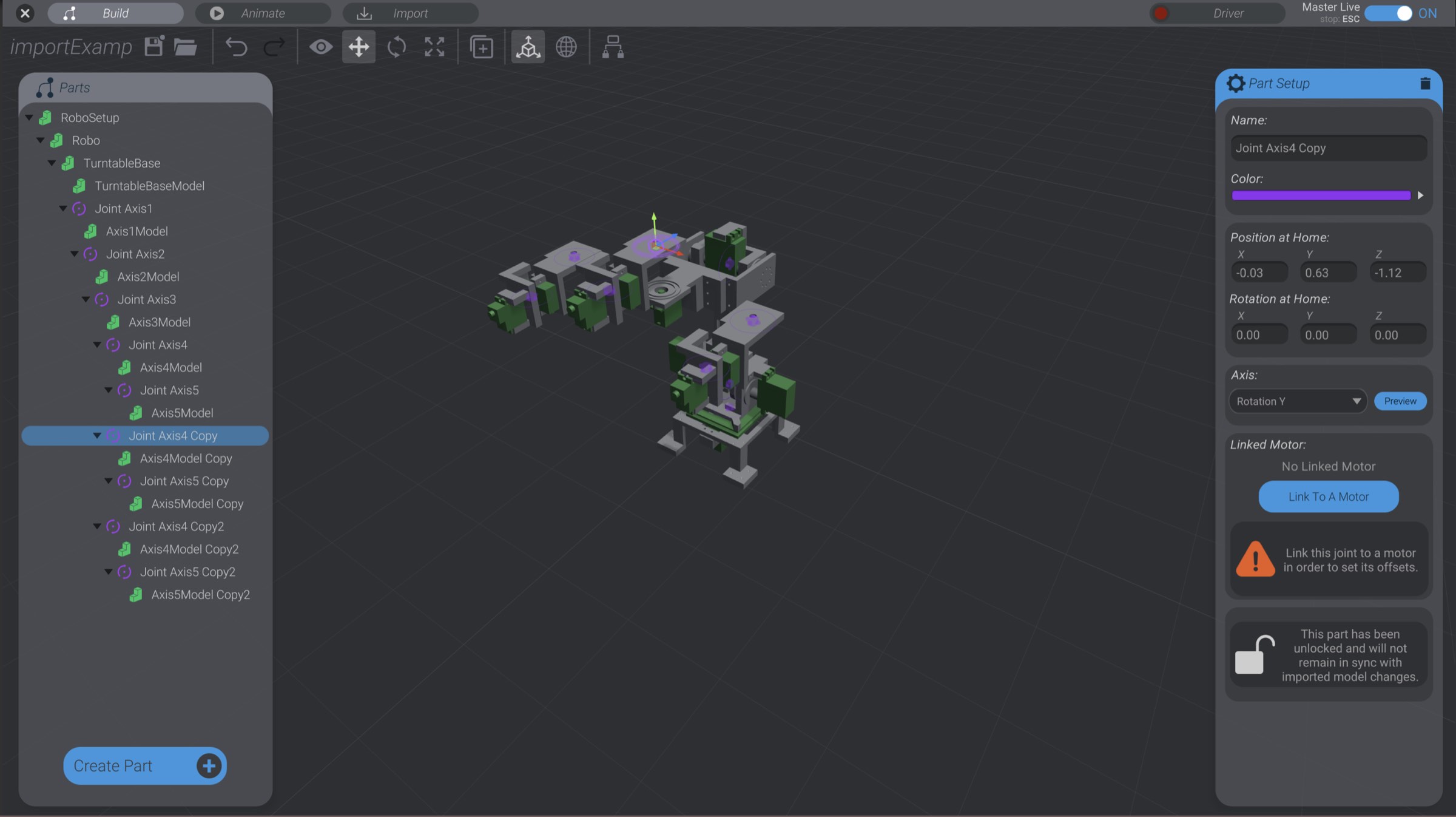
Here, for example, I have desynchronized and then duplicated and moved pieces of the model to modify it: