Expert Topic for experienced builders.
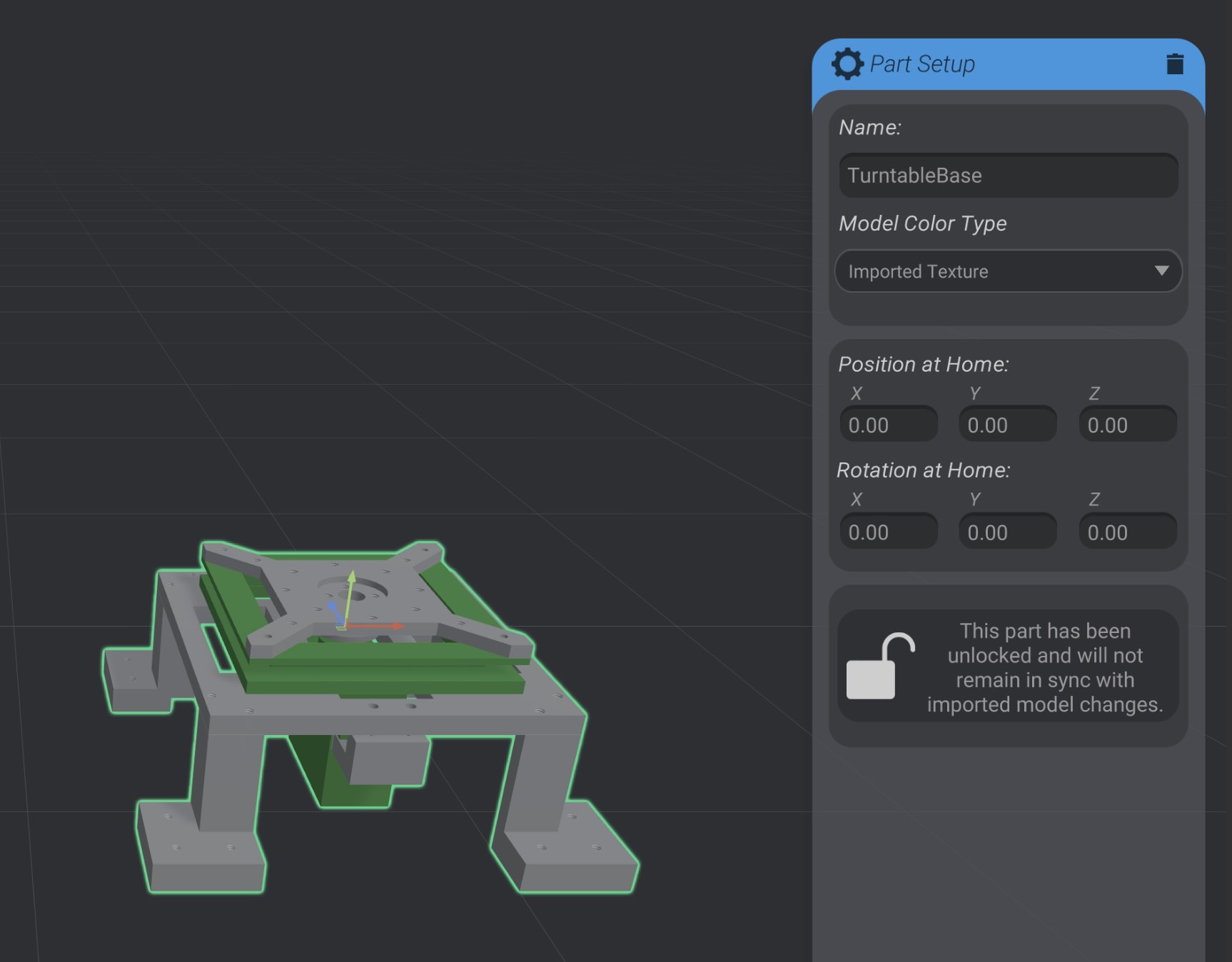
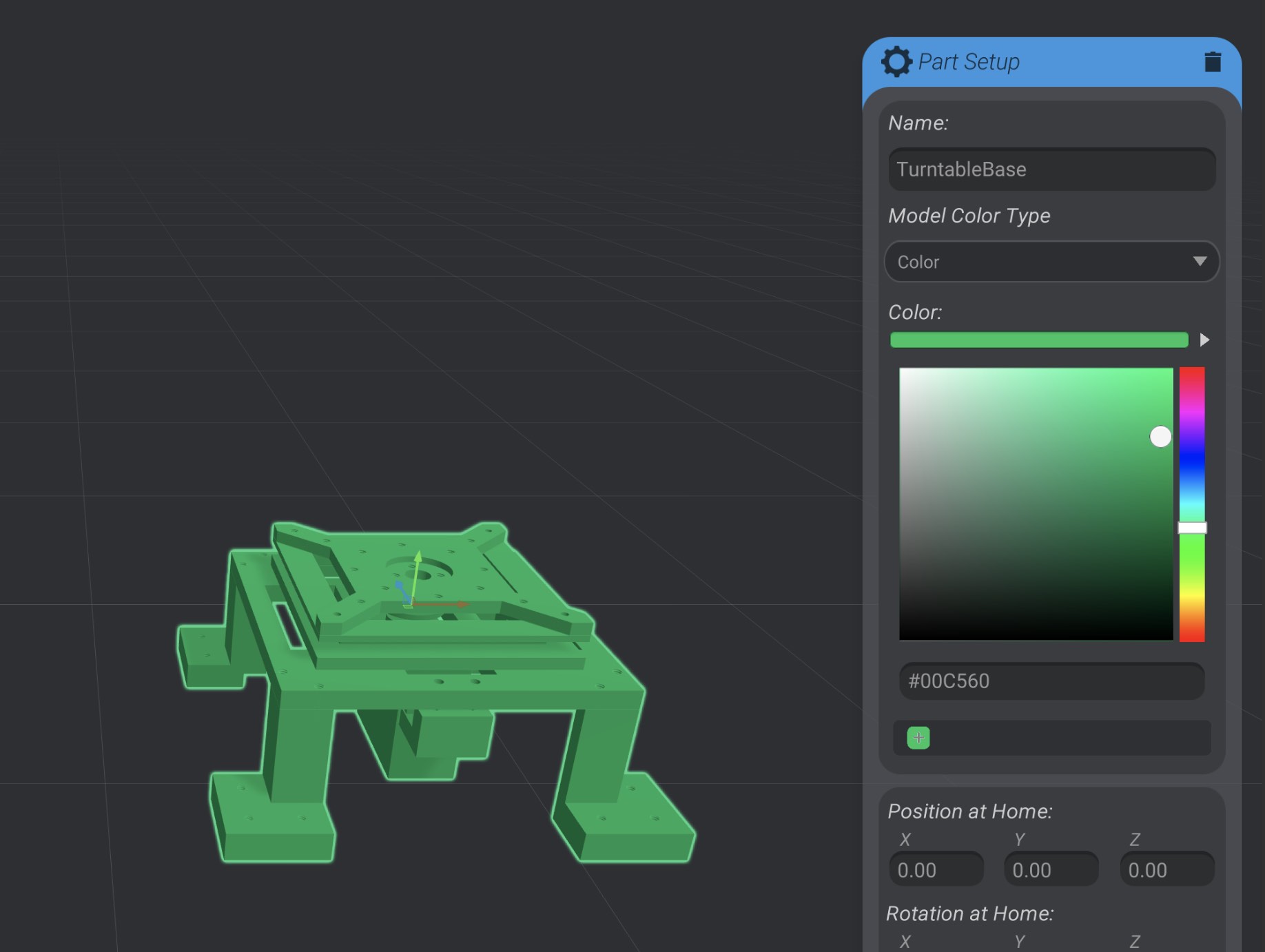
By default, imported models use the imported texture that was part of the model file. You can select to change between using the imported texture and using a custom color:
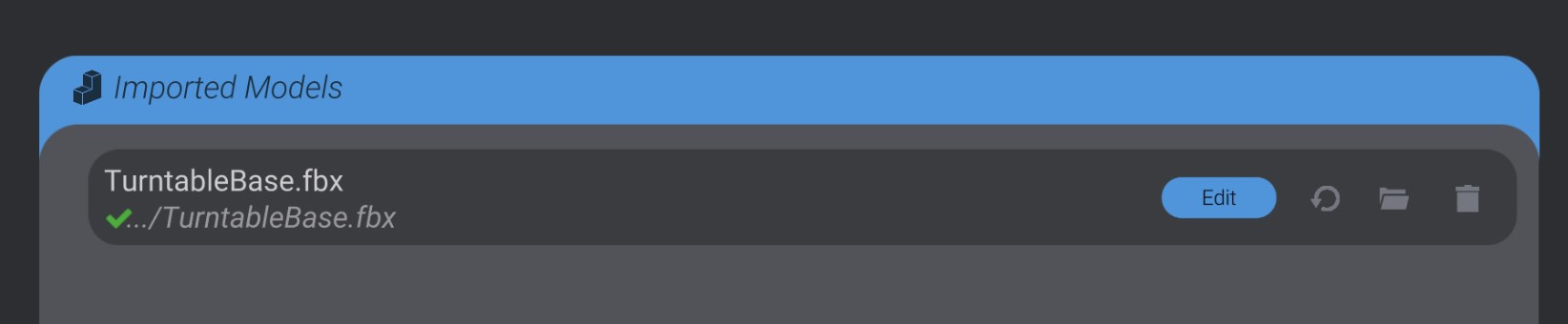
At any point, you can edit the import settings on a model. Return to the Import view and click the “Edit” button to change the import settings on a model you previously added in Importing a Model.
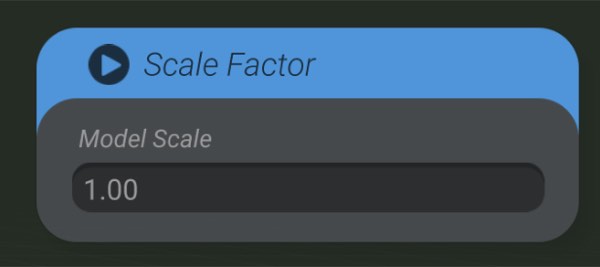
It is difficult to have a consistent, single scale across all 3D modeling programs. To help compensate, you can adjust the import scale of an imported 3D model.
If you want to remove a collapse point while editing an imported model, select the collapse point. You will be able to select “Expand Selected” to remove the collapse.