
Expert Topic for experienced builders.
Here is the major functionality available to you currently in the Bottango REST API:
You can enable API Access in a project by toggling the “API Access” toggle in the hardware menu:
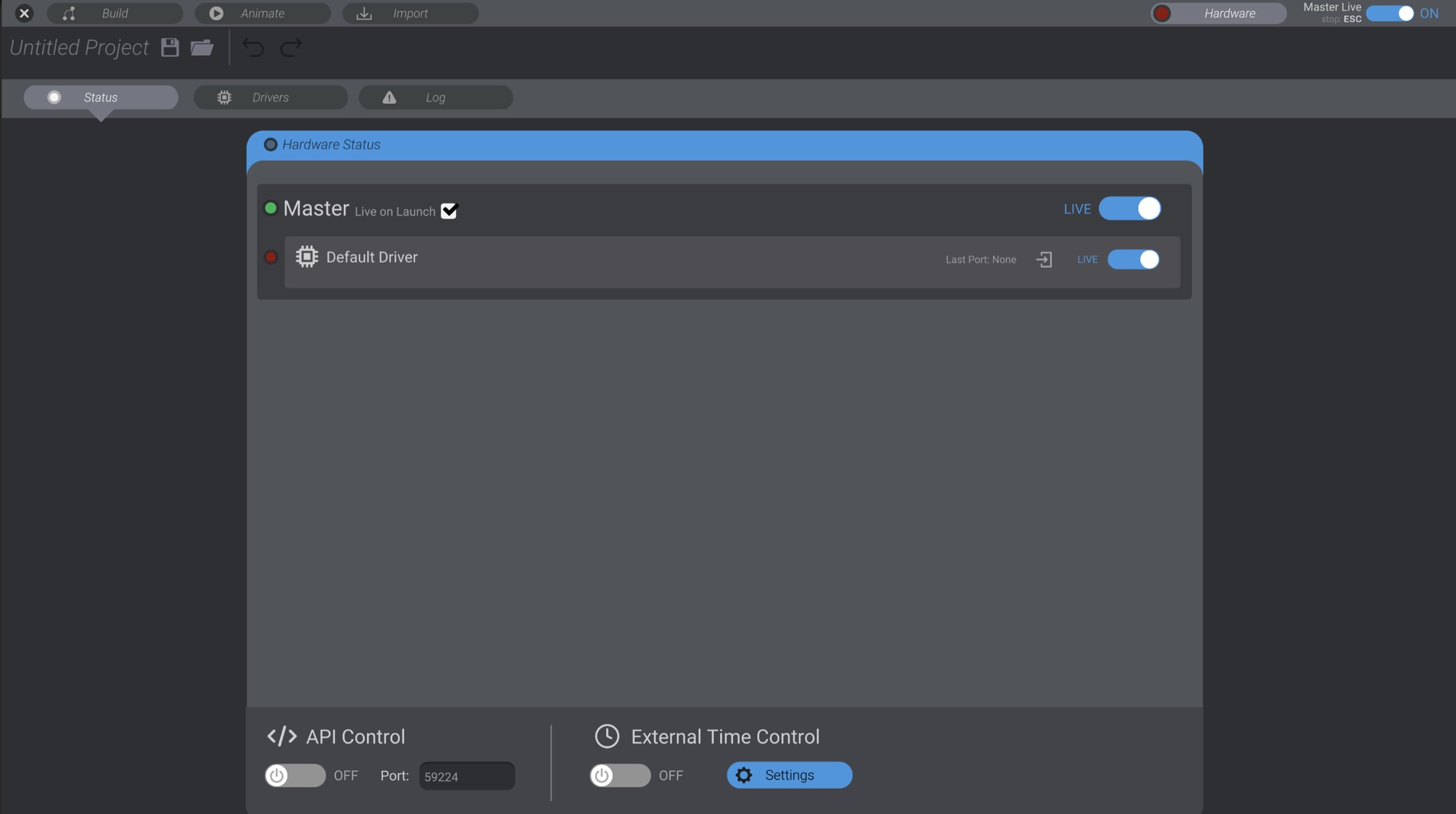
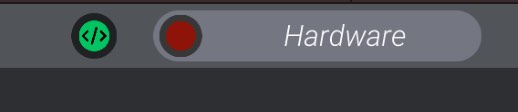
Once it is enabled, you will see an “API” notification in the top bar as well:
API control works as a local server, responding to GET and PUT requests in a REST API. You can change the port of the local server in this same menu.
The full REST API reference is available in this docs site at APIs and Comms / REST API.
Included in the Bottango download folder is /AdvancedFeatures/Bottango REST API. In that folder you’ll find an example Python script for each supported Bottango REST API call.
See the Bottango docs site for updates: docs.bottango.com.