Advanced Topic Skip if you’re new, explore when you’re ready.
Based on the selected animations, all possible drivers and effectors are shown to select to include in the exported code. If you have a driver or animation that is not included in any of the selected animations, it will not be shown.
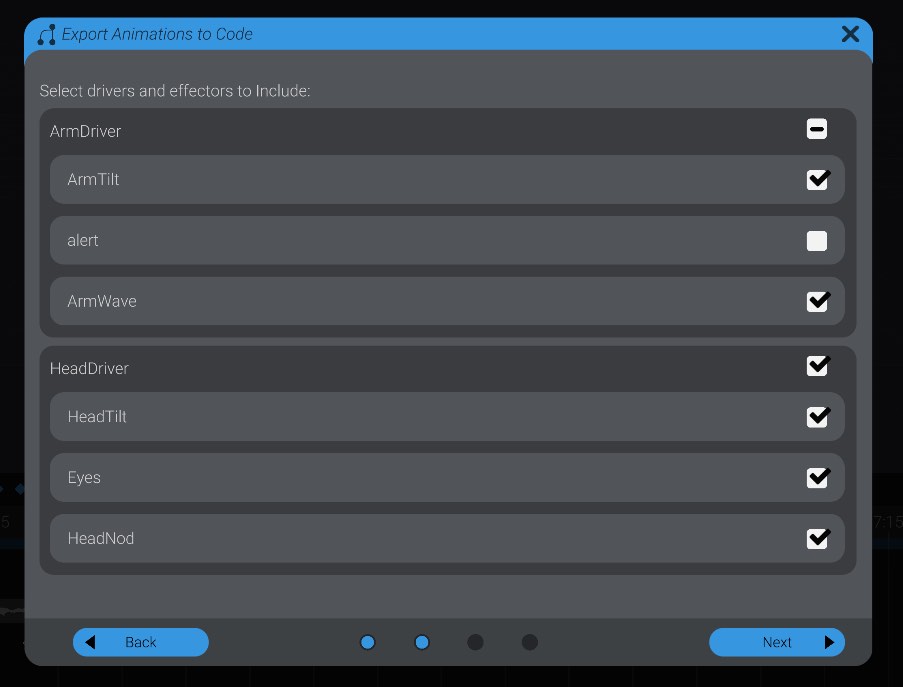
When you export out code in a project with multiple drivers, you will export unique code out for each individual driver. This is so that each driver only has the code it needs for the motors and other effectors that are registered to it.
If you don’t include an effector, none of the animations for that effector in specific will be included in the exported code. If you don’t include a driver at all, you will not export code for that driver.
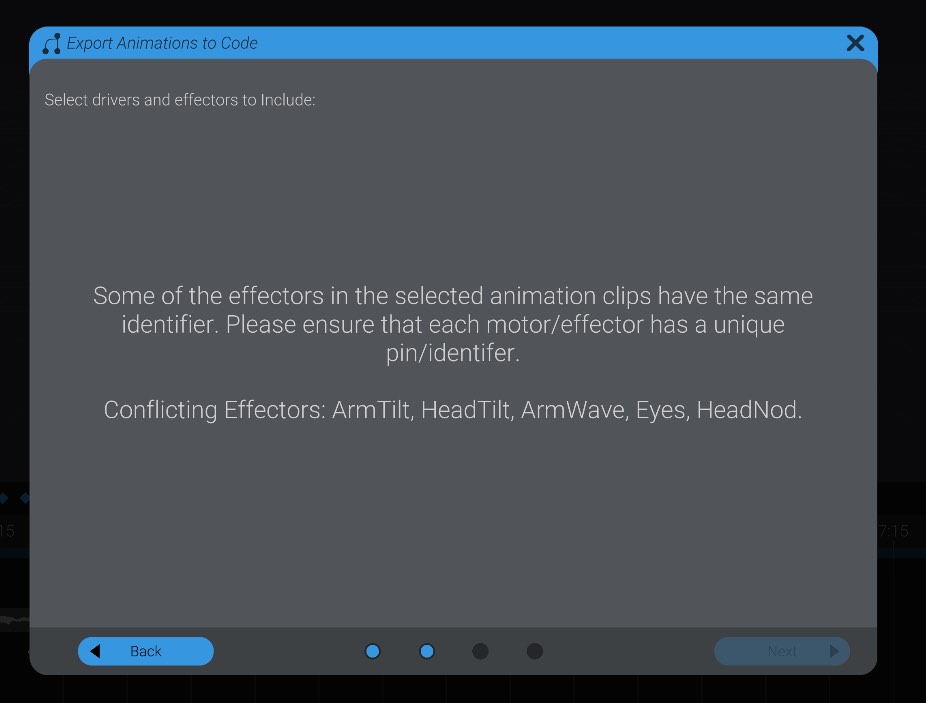
As well, Bottango will run a check to see if any of the effectors will conflict with another effector. This can happen if two effectors have the same pin or identifier. In Bottango usually, Bottango will report an error if you try and set a conflicting effector live. However, since Bottango won’t be running, there is no opportunity to receive that error. Instead, we prevent you from exporting out faulty code: