Advanced Topic Skip if you’re new, explore when you’re ready.
The export flow begins from the animation view. In the window with the list of all animations in your project, there is an “Export Animations” button.
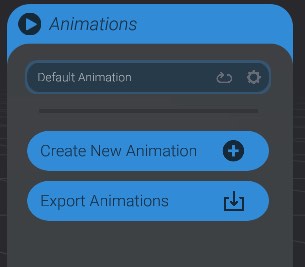
Clicking this button brings up the exporting workflow, which has four steps:
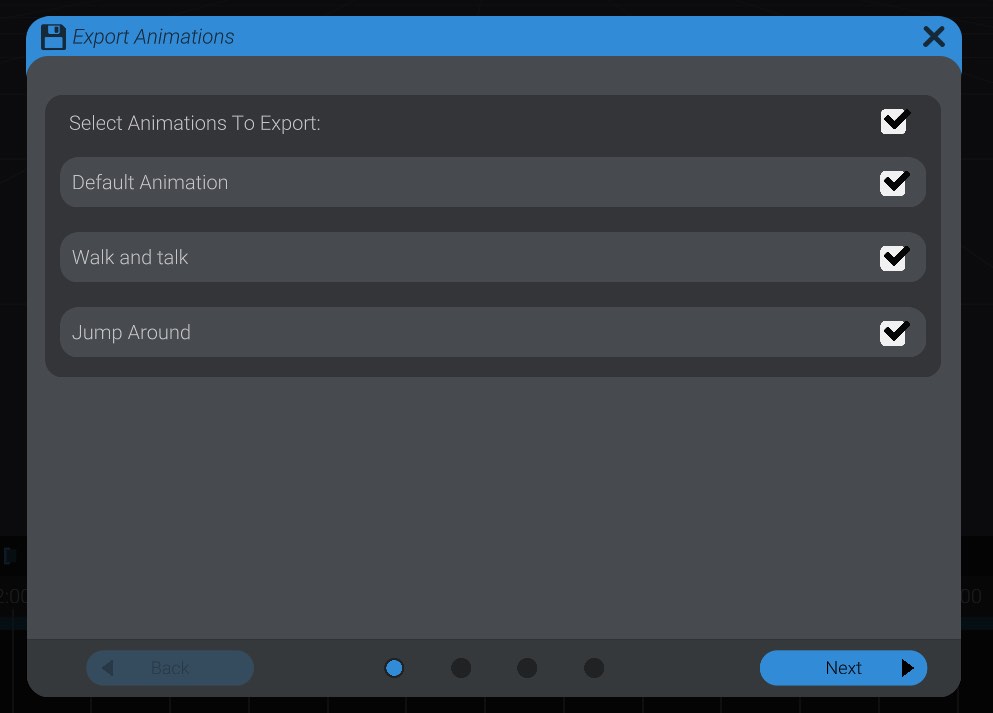
The first step of exporting animations to code is to select which of the animations in your project you want included in the code. Because of the limited memory size of hardware controllers, you should take care to only export the animations you care about.
Press next to continue to the next step.