
Advanced Topic Skip if you’re new, explore when you’re ready.
The final step is to export the animations themselves. Select what format you’d like: firmware code, SD card files, or JSON data.
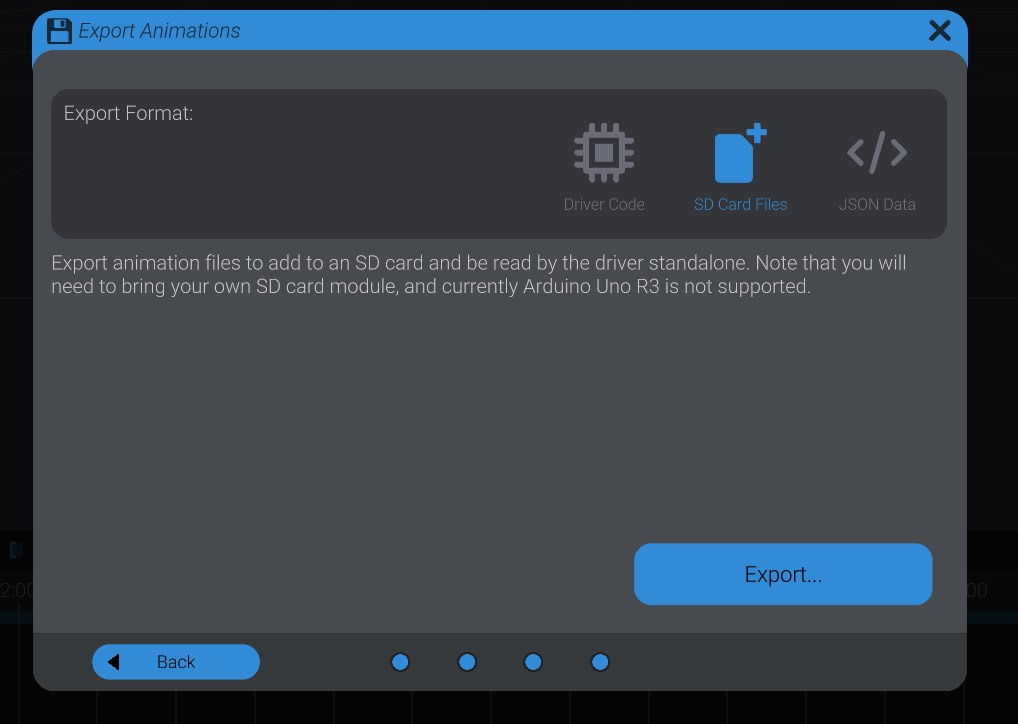
If you have only one hardware driver to export, Bottango will place all exported files in the selected location. If you have more than one hardware driver to export, Bottango will create a folder for each hardware driver and place the appropriate exported code for each one accordingly.
For instructions on how to use the generated files, refer to the Bottango firmware documentation.
As stated above, the preferred workflow is to control your hardware in real-time with a USB connection. If you do export out code, be aware of some of the following limitations:
When you enable exported animation playback on your hardware driver, that puts your hardware in “listen-only” mode, and it will ignore all commands that it receives over USB, if you happen to plug it in. That means that you cannot issue new animation commands, motor registration commands, or stop commands. You should make sure you have your own safe way to execute a replacement stop function on your hardware if you are using generated code and can quickly and safely stop movement when needed.
While connected over USB in listen mode, you can still see the log of what the hardware driver is doing in the Hardware view. This can be helpful for troubleshooting or support.