
Add Audio
Bottango allows you to import audio and video files so that you can synchronize your animations along with media tracks. For audio files, the current supported formats are .WAV and .OGG. If your audio track is in another format, there are countless free online transcoders to convert to either.
-
Click “
Import” in the top tabs section to switch to theImportview.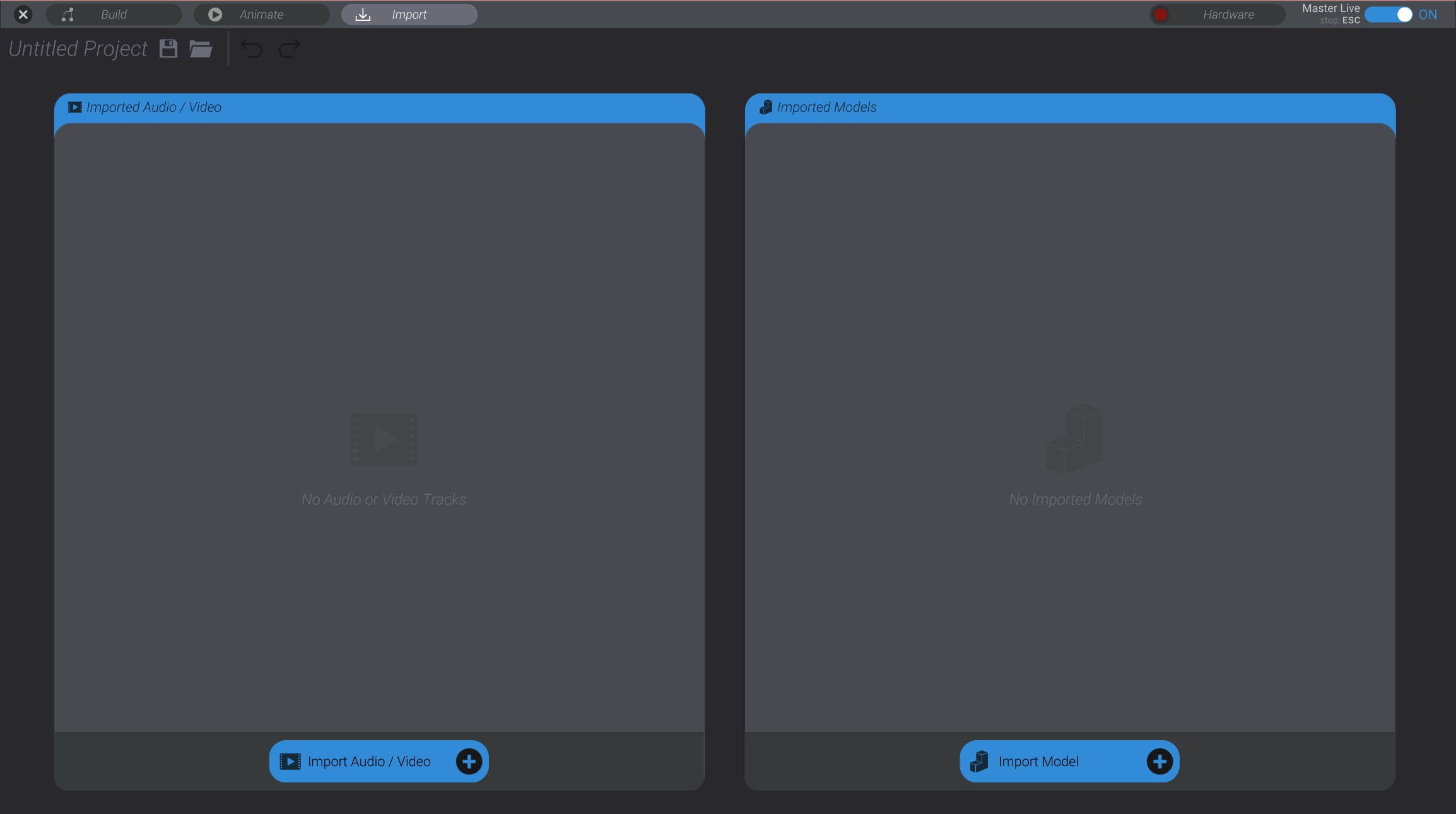
-
Click “
Import Audio/Video” to begin importing a new audio or video track. -
Select the audio or video file you want to import.
The audio/video file will be imported into the project and listed in the import menu.

In the next section, while animating, we’ll add the audio file to our animation.