
Expert Topic for experienced builders.
To set up an inverse kinematics chain, you’ll need to identify the root of the chain and the tip of the chain. In the above arm example, the root would be the shoulder, the rotating point from which the chain originates, and the tip would be the hand, the part of the chain you want to try and get as close to the target position as possible.
As well, you’ll need a target, i.e., the movable point where you want your inverse kinematics chain to try and reach.
Click Create Part.
Create an “IK Chain” from the “Dynamics” section.
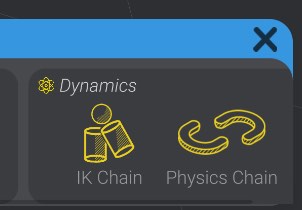
This creates an IK Chain part in your project, which you can then configure.
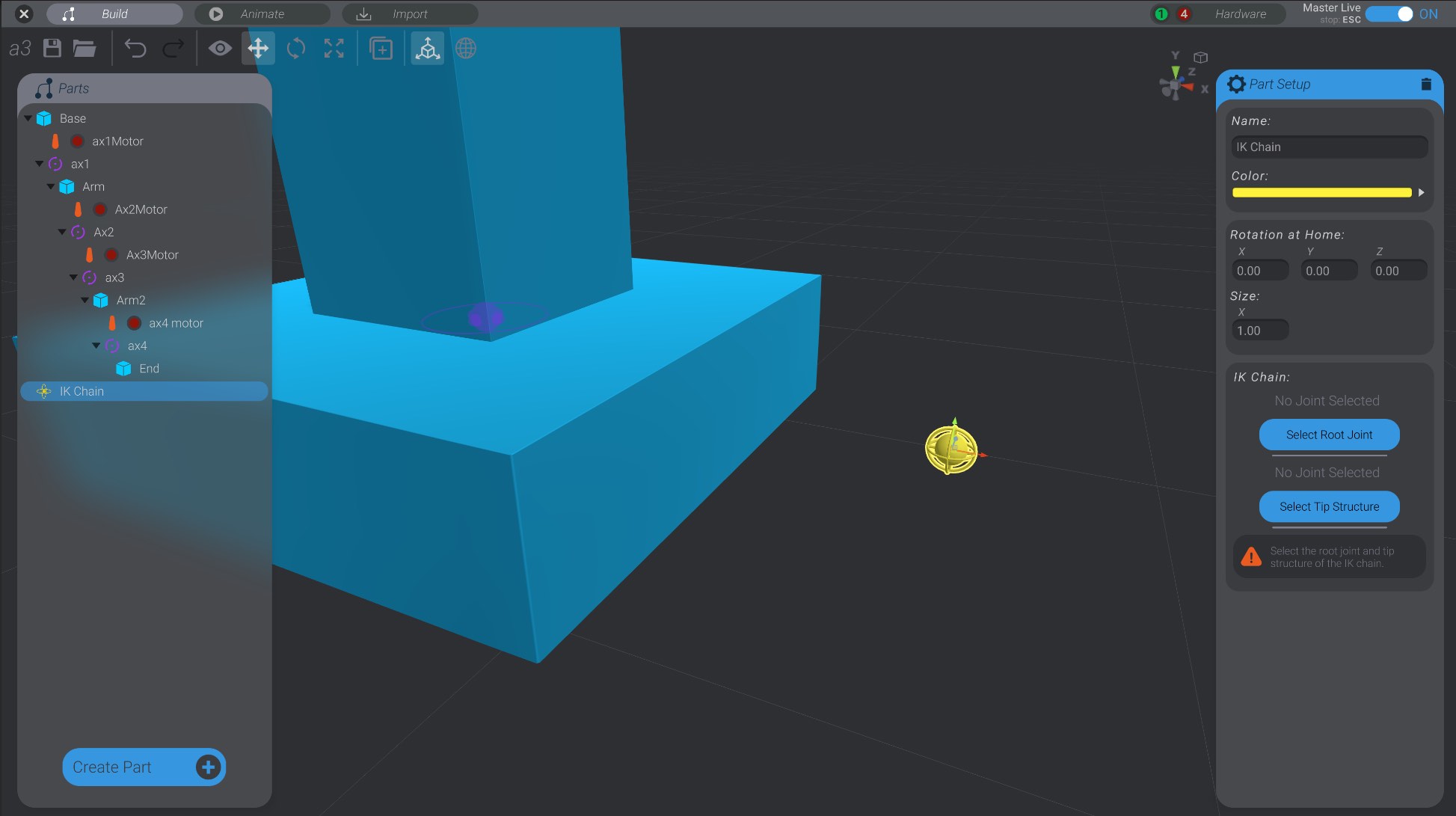
Click “Select Root Joint” and click on the root joint of the IK chain.
The root joint is the highest up parent that you want to move to try and reach the target when animating.
Click “Select Tip Structure” and click on the structure you want to act as the tip of the chain.
The tip structure is the structure in your IK chain you want to try and move to the IK target. The tip structure must have, at some level, the root joint as one of its parents.
When you select a tip structure, all the joints between the root joint and the tip structure are automatically added to the chain. As well, the IK chain you created will move automatically to be in the same position as the tip structure.
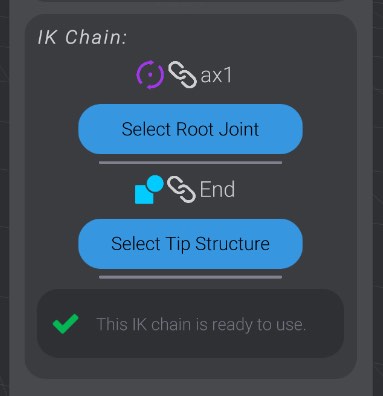
If everything is correctly set up, the IK chain will show its status with a check and its ready status.
IK chains need to be set up in a very specific way, or else Bottango will report an error letting you know what changes need to be made to fix them. Let’s go over what those errors are and how to fix them.
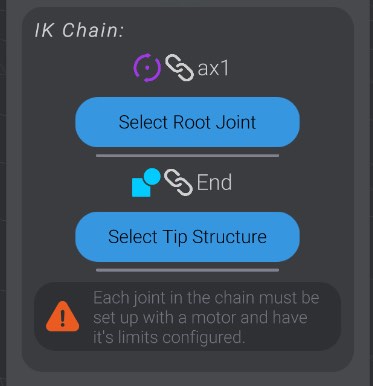
Every joint in the IK chain must not be linked to the same motor as another joint in the chain. If two joints in the chain share a motor, change the linked motor on one of the joints.
You have not yet selected the root joint and/or the tip structure for the IK chain, or one of those previously selected parts was since deleted. Click the “select” button for the missing part.
The tip structure in an IK chain must have the root joint as one of its parents. Either select a new tip structure that is at some point a child of the root joint, or rearrange your project so that the tip structure is a child.
The IK chain part is the target you will be moving around. If it is a child of any part of the chain, as the chain moves, the child will move, causing the chain to move, etc. This would be an infinite loop. Move the target to a place in your part’s list that is not a child of any part of the IK chain. For most cases, the IK chain part should be at the top level in your project.
Each joint in your project can only be in one IK chain. If your IK chain overlaps in joints with another IK chain, both will be invalid until that is fixed.
Each joint in an IK chain must have a total range of movement at most equal to 360 degrees. Support for a wider range of movement will be added in a later version.