
Expert Topic for experienced builders.
The Bottango REST API allows you to use your own scripts and applications to trigger, control, and get more information on animations in your Bottango project. This could be used to integrate Bottango with your own or other robotic control applications. Or it could be used for you to make a hardware controller to start and stop different animations at a physical button press.
Included in this “advanced features” folder is an example Python script for each command, replicated here in the documentation as well. These should show you how to call each endpoint currently available in the REST API.
Here is the major functionality available to you currently in the Bottango REST API:
The Bottango REST API works as a local server on your machine. You call into it with GET and PUT requests the way you would a remote REST API. If you can make and receive JSON in a web request, you can interact with the Bottango REST API.
You can enable the Bottango REST API in a project by toggling the “API Access” toggle in the hardware menu:
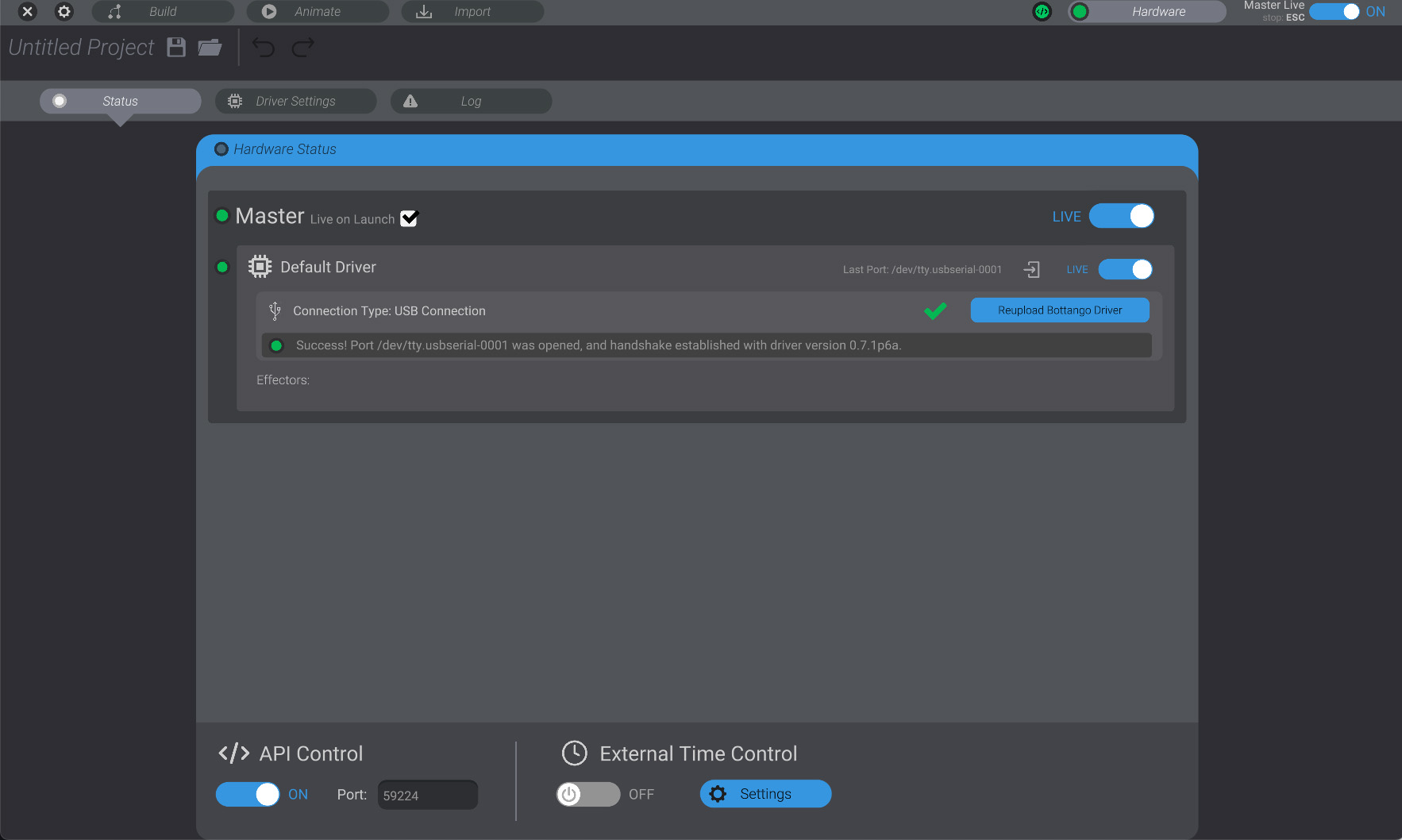
Once it is enabled, you will see an “API” notification in the top bar as well:

Connection to the Bottango REST API is by default as a local server on port 59224 (example: localhost:59224/). You can change the port if needed in that same menu.