
Testing and Troubleshooting
Let’s Play Some Audio
Section titled “Let’s Play Some Audio”After following all the steps in the previous section, you should now be ready to test your audio playback! Head over to the animation with the audio file you exported and set up, and hit play. You should be getting audio output on the speakers in your animatronic as well.
Troubleshooting Tips
Section titled “Troubleshooting Tips”Not getting audio playback on your speakers? Some things to try:
- Adjust the volume slider in the center of the board.
- Make sure the power adapter is plugged into the board, not just USB.
- Make sure you set the audio to “live” in the Import or Hardware menu. Once it’s live, check the status of the file on the SD card in the import menu for issues.
- Do you have an audio or video keyframe in your animation as well?
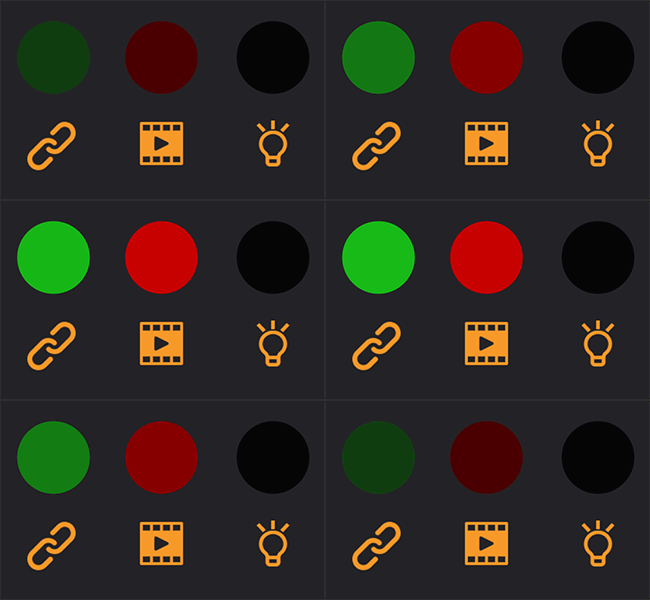
If you set an audio file live in Bottango, and the SD card cannot be read by Bottango Solar, or the required audio files are missing from the SD card, the data status light will glow red.
Still no luck? Reach out to Bottango support for more help.