
Disassemble Standard Parts
Disassemble Standard Parts
Section titled “Disassemble Standard Parts”Starting out, we’re going to remove the few standard parts we won’t be using, to make room for the new pro parts.
Parts Needed:
- None (just removing parts this step)
Unplug The Circuit Board
Section titled “Unplug The Circuit Board”Unplug everything from the standard edition circuit board (power, USB, and all 7 servos). You can leave Captain Cogbrow on the stand for now, just take care not to knock the animatronic over, or to unplug any servo extension from its servo cable.
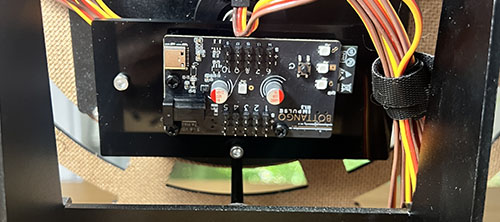
You should have the “Bottango Impulse” board mounted on the black plastic holder with nothing plugged into it.
Setup Working Area
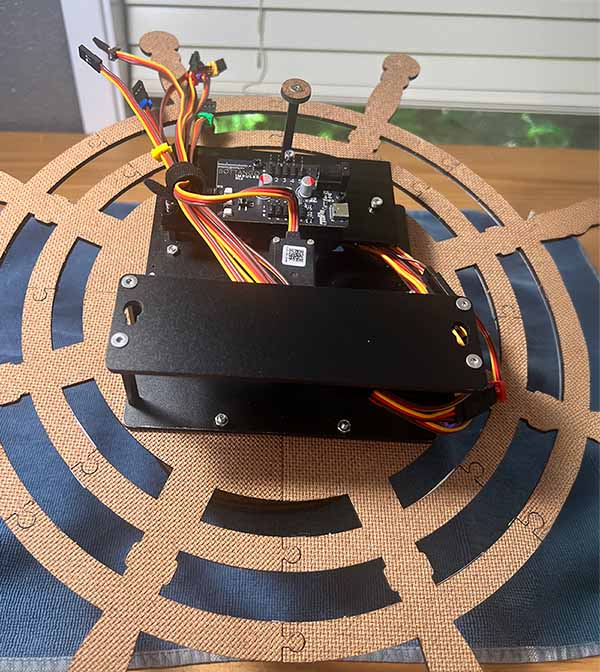
Section titled “Setup Working Area”While we’re working on the animatronic, we’ll need to put it “face down.” Prepare an area with a small clean dish towel, etc, then remove Captain Cogbrow from the stand and place it face down, with the top of the head facing you.
Remove The Circuit Board And Holder
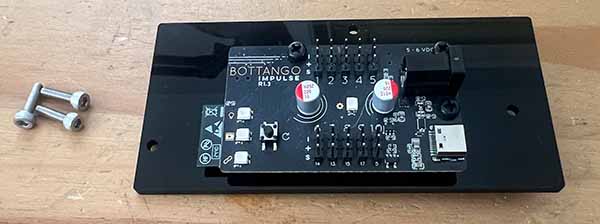
Section titled “Remove The Circuit Board And Holder”Remove the three metal M3 bolts that hold the plastic circuit board holder onto the animatronic, and place it to the side.
Remove the Standard Back Brace
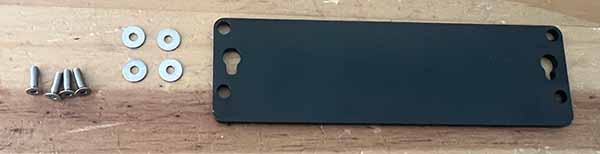
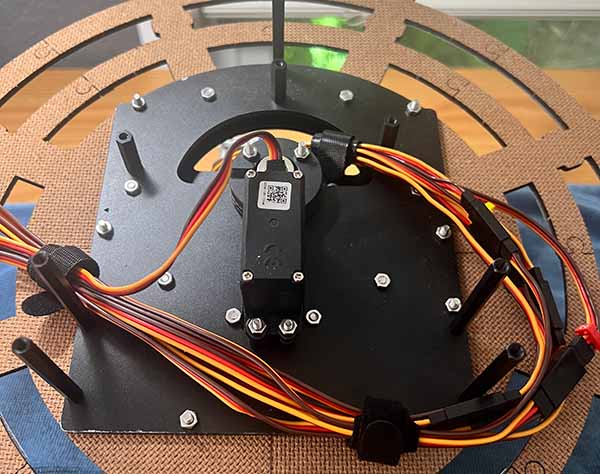
Section titled “Remove the Standard Back Brace”Unscrew the 4 flat head metal bolts that attach the mounting brace. There will be 4 washers on the underside of the mounting brace.
Next Up
Section titled “Next Up”Next section, we’ll start adding new parts - the speakers and the new pro back brace.